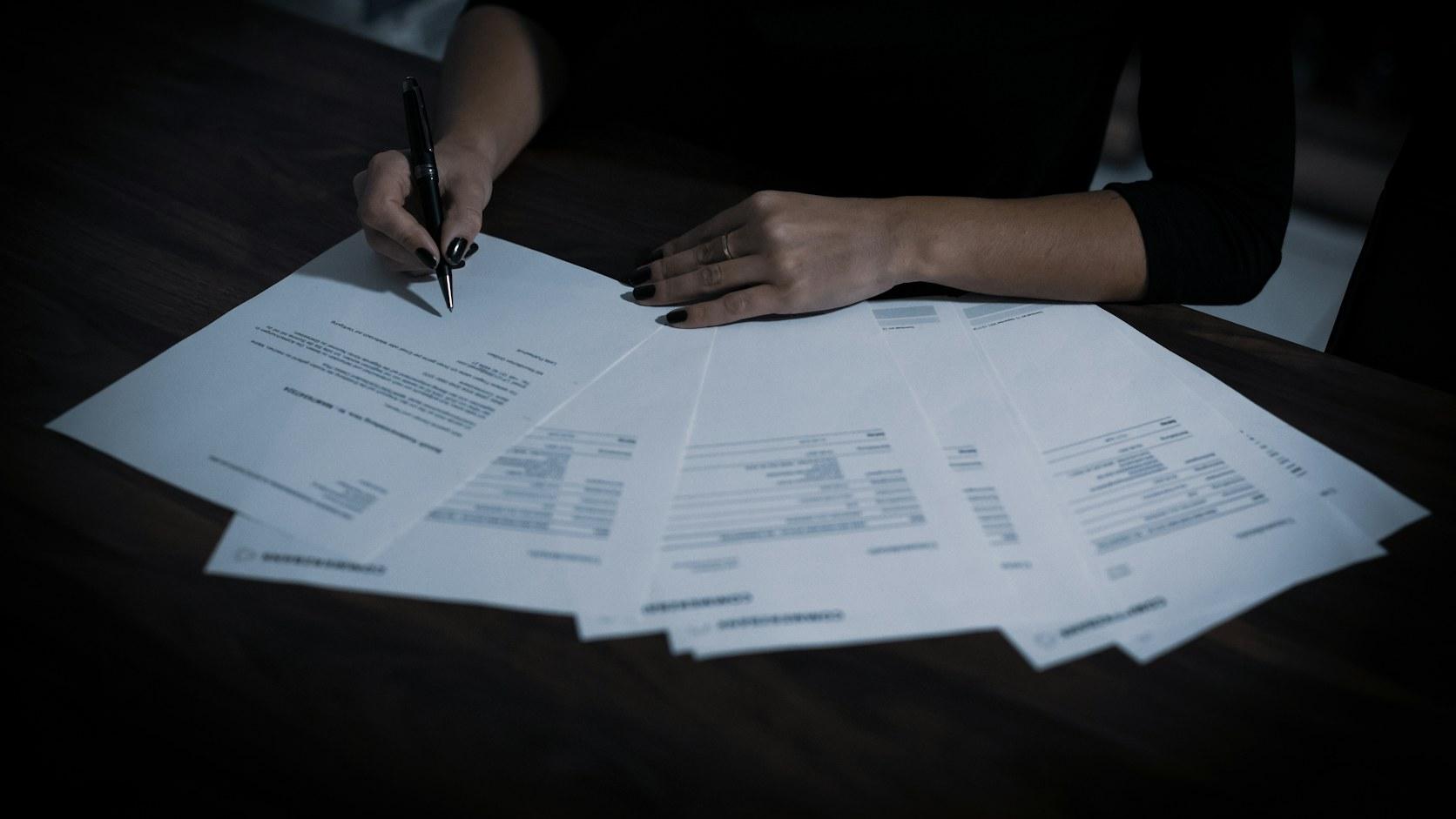
It is half past nine on a Monday morning and the accounts team's shared inbox has a hundred and forty new messages. There are invoices from regular suppliers, some scanned sideways, a PDF with three invoices and a delivery note stuck together in one file, a duplicate copy of an invoice that was already posted last week and a payment reminder that looks like an invoice but is not one. In the sales inbox next door sit the customer purchase orders: some as PDFs generated by the customer's own ERP, others in Excel, and one written in the body of the email that simply says "repeat the March order, minus whatever was out of stock".
Someone is going to spend the day opening all of this, copying figures into the ERP and checking that the price matches the order. Most of the work is mechanical. A small part of it, and that is the part that costs money when it goes wrong, needs real attention: the supplier who changed bank details, the unit price that went up without notice, the invoiced quantity that does not match what actually arrived at the warehouse.
This article is about getting artificial intelligence to do the mechanical part and to flag the part that needs attention, without building a system that confidently posts mistakes into the ERP.
Short answer
AI reads supplier invoices, purchase orders and delivery notes in PDF, even in formats it has never seen, but reading is the easy part. What prevents silent errors in the ERP are the checks around it: the tax number exists and matches the supplier record, the lines add up to the total, the price matches the purchase order and the document is not a duplicate. Whatever fails goes to an exceptions queue, and at first documents enter the ERP as drafts. A first process in production typically costs between €7,500 and €15,000.
Reading is easy, validating is the project
Five years ago, the hard problem was reading. OCR turned the image into text, but to know that the number in the top right corner was the total you had to set up a template for each supplier, and that template stopped working the moment the supplier changed invoicing software.
Language models changed this. They read a document they have never seen, understand that "Amount due", "Total EUR" and "Balance" are the same field, and cope with tables split across pages and poor quality scans. Reading has become the cheap and predictable part.
The risk has changed too. Old OCR failed visibly, with blank fields. When a language model gets something wrong, it returns a value that is plausible, neatly formatted and wrong.
That is why almost all of the engineering work happens after the reading: checking what was read against what the company already knows, deciding what goes through on its own and what goes to a person, and keeping a record of everything.
When the volume already justifies a project
The most reliable signs that the problem is big enough for a project:
- you receive hundreds or thousands of documents a month, from dozens or hundreds of different senders;
- there are people whose job, in practice, is copying data from PDFs into the ERP;
- the month-end close runs late because invoices are still waiting to be posted or checked;
- you have already paid an invoice twice, or paid a price different from the one agreed, and only found out later;
- customer orders sit waiting to be keyed in, and the delivery clock starts ticking hours late;
- matching between purchase order, goods receipt and invoice is done by sampling, because there is no time to do it for every document;
- volume keeps growing and the answer so far has been hiring one more person for the same task.
If three or four of these sound familiar, there is almost always a business case.
OCR, AI and structured e-invoicing: what each one solves
| OCR with fixed templates | Extraction with language models | Structured e-invoice | |
|---|---|---|---|
| New layouts | Each one has to be set up | Reads them with no prior setup | Not applicable, data arrives in fields |
| Type of error | Blank fields, visible | Plausible but wrong values | Rare, they come from the sender |
| Orders, delivery notes, declarations | Weak | Good | Only if the sender uses a structured format |
| Validation against the ERP | Has to be built | Has to be built | Has to be built |
The last row is the one people forget most often: even a perfect XML file does not confirm that the price is the agreed one, or that the goods actually arrived.
The checks that make this reliable
This is where a demo and something that can survive a month-end close part ways.
Who sent it
First, the tax number. In Portugal every company has a NIF, a tax identification number with a check digit, so a reading with one digit wrong is caught without looking anything up. Then the NIF has to exist in the ERP's supplier records. If it does not, the document stops there: either it is a new supplier, which needs a record created by someone with the authority to do so, or it is a mistake.
Bank details deserve special attention. An IBAN that differs from the one on the supplier record is a classic pattern of email fraud, where someone poses as the supplier. That case always goes to a person, with the warning clearly visible.
Internal consistency of the document
The lines have to add up to the subtotal, the base plus VAT has to equal the total, and the VAT rates have to make sense for the type of product and the region. Invoices issued in Portugal carry a help that few companies use: a mandatory QR code, defined by the Portuguese Tax Authority (AT), that holds in structured form the tax numbers of issuer and buyer, the date, the document number, the ATCUD (a unique code each invoice must carry) and the base and VAT totals for each rate. Reading the QR code and comparing it with what the model extracted from the text is a double check that costs almost nothing. The QR code does not include the lines or the purchase order reference, and foreign suppliers do not have it, so it does not replace extraction, but it catches a lot of errors in the totals.
Duplicates
A duplicate copy, the same PDF sent twice or the same invoice sent to two different addresses are all common. The obvious check is the pair of tax number and document number. The less obvious one is the same amount, from the same supplier, on nearby dates and with different numbers, which may or may not be legitimate and should go for review.
Matching against purchase order and goods receipt
For purchase invoices, the check that adds the most value is three-way matching: the order the company placed, what arrived at the warehouse and what is being invoiced. This is where the real problems show up: the supplier invoices by the box and the order was placed by the unit, the delivery was partial but the invoice is for the full amount, the price went up by half a percent, the carriage charges were never agreed. Every company has its own tolerances, and defining them is a management conversation we have right at the start.
With a portal where suppliers invoice against the purchase order, part of this matching happens before the document even arrives. For suppliers who keep sending PDFs by email, the logic is the same, just applied afterwards.
Customer orders: the other side
With customer purchase orders, the challenge is different. Customers use their own product codes, so you need a mapping table that the system feeds with every confirmation. Boxes and units have to be converted, "next week" has to become a date, and an amendment that arrives as a reply to the email has to be linked to the original order. This is where language models pull furthest ahead of OCR, because half of these orders have no layout at all.
Confidence and the exceptions queue
A language model can say how sure it is of a reading, but it can be very sure of a wrong value. So the confidence we use for routing comes mainly from the checks: a document where the tax number matches, the QR code confirms the totals and the purchase order lines up has a measured confidence that no model can declare about itself.
Whatever fails goes to an exceptions queue. The quality of that screen decides whether the project gets adopted or worked around. It has to show the PDF next to the fields that were read, highlighting the part of the document each value came from, and say why the document stopped: "unit price 4.2% above the purchase order", not "validation error". Every correction made there is recorded and becomes an example for the next documents from the same sender.
The goal is not to empty the queue, it is to let the team spend its time on the cases that need judgement.
Posting to the ERP and audit trail
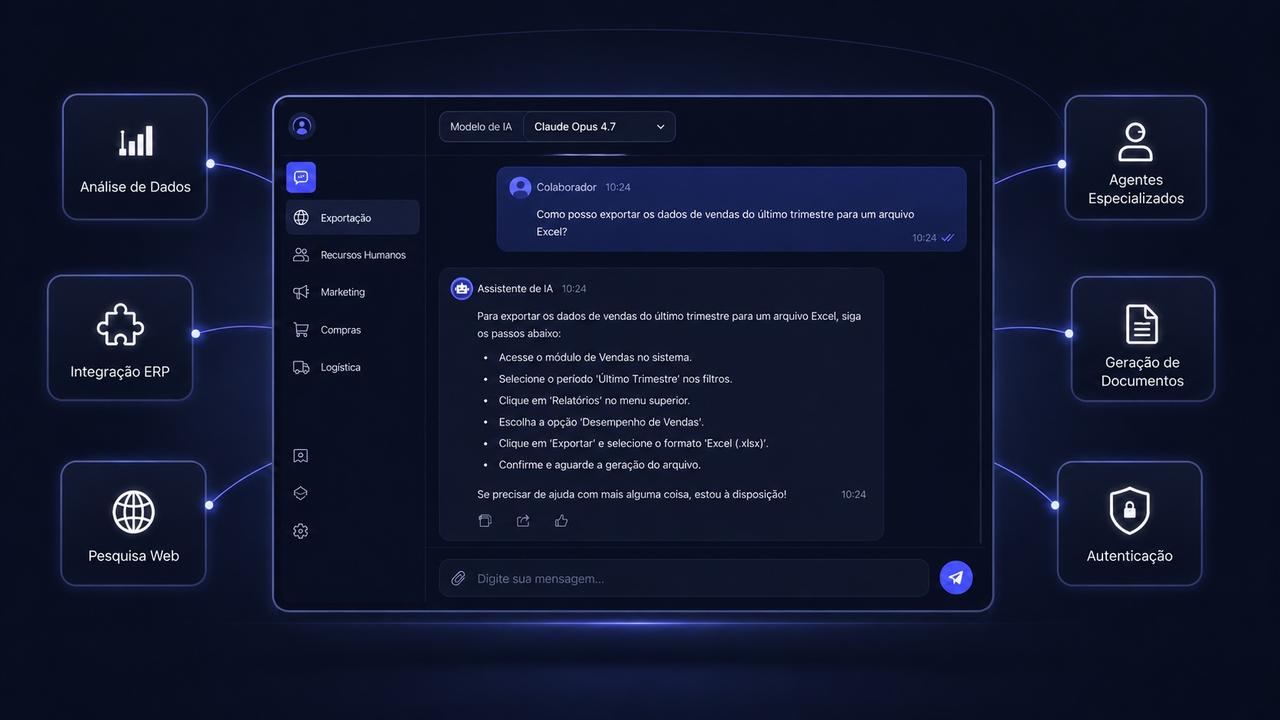
The validated document has to reach the ERP. Primavera, PHC, SAP and Sage all have documented integration options, but what is actually available varies with the version, the licensing and the partner that manages the installation: sometimes there is a ready-made connection, sometimes an import module. We cover these options in the article on adding AI to the software your company already uses.
At first, documents enter as drafts or pending approval. The move to direct posting happens supplier by supplier, once the record shows weeks of readings with no corrections.
For audit purposes, each document keeps the original, the extracted values, the checks it passed and failed, who approved it and the version of the model and of the rules. When the statutory auditor asks why an invoice was paid, the answer is on a screen and not in someone's memory.
Will e-invoicing solve this on its own?
Partly, and more slowly than expected. In Portugal, PDF invoices are still accepted as electronic invoices for tax purposes, and that deadline has been extended several times; the 2027 State Budget proposal, still under debate, includes a further extension to the end of that year. In public procurement, structured e-invoicing is already required of large companies, but the obligation for SMEs has been postponed year after year. At European level, the ViDA package (VAT in the Digital Age), approved in 2025, foresees structured e-invoicing for intra-EU B2B transactions from 2030. The direction is clear, but the timetable for domestic business-to-business transactions remains open, and it is worth confirming where each obligation stands with your accountant.
In practice, when a supplier sends structured XML, the system imports it and skips extraction, but the checks and the exceptions queue stay. A project designed well today does not become obsolete with structured invoicing. It just becomes cheaper to run.
A note on personal data: invoices from sole traders, declarations and delivery notes with names and addresses are personal data under the GDPR. So by default we use models with processing in the European Union, a data processing agreement and a guarantee that the data is not used for training. We go into this in the article on GDPR and the AI Act before putting AI into production.
How we do it
1. Free diagnosis, then real documents
A free 30-minute conversation about the documents coming in, the volumes and the ERP. If there is a case, discovery starts with a sample of a few hundred real documents, to see the distribution: which types, how many senders, how many formats, how many arrive scanned. We also look at how the ERP can be reached. By the end, the company knows whether the case pays off and where to start, with no obligation to go ahead.
2. One document type, running in parallel
We start with a single type, usually supplier invoices. For a few weeks the system processes in parallel with the team, who keep working as usual, and we tune the checks with no risk to the operation.
3. Exceptions queue and draft posting
The team starts working from the queue and validated documents enter the ERP for approval. This is where we measure how much goes through untouched and how much time is saved per document.
4. Progressive autonomy and new document types
With a track record, the most consistent suppliers move to direct posting, and customer orders or delivery notes are added on the same foundation.
What it costs and how long it takes
A first process in production, for example supplier invoices with validation and posting to an ERP, typically sits between €7,500 and €15,000, with six to ten weeks to production. When the project covers several linked document types, such as customer orders, purchase invoices and matching against the warehouse, the investment rises to between €15,000 and €35,000.
In this kind of project, what moves the figure is mostly what is in the documents: how many different types are in scope, how much arrives scanned or written in the body of an email, and how many exceptions to the matching rules the company has, such as suppliers with their own pricing agreements or different tolerances per product family. The ERP connection matters too, as we explain in the article on how much AI costs a company. What brings it down is starting narrow: one document type, one ERP, clear rules.
More and more companies come to us with a prototype built in ChatGPT, Claude or Gemini that already reads a few invoices. That helps: it shows which documents and fields matter, shortens discovery and lowers the price. What the prototype does not bring is almost everything this article describes, namely the checks against the ERP, the exceptions queue, user accounts and access, backups and testing. It is the gap we explain in the article on taking an AI-built prototype into production.
The running cost of the models grows with the number of pages processed, not the number of invoices. A twenty-page PDF with technical attachments costs far more to read than a one-page invoice, so we measure this in the discovery sample and, where it pays off, the system splits out the pages that matter before sending them to the model.
When it does not pay off
There are situations where the honest answer is not to go ahead with a custom project:
- Few documents. With a few dozen invoices a month, the time saved does not pay back the investment.
- One dominant format. If eighty per cent of your documents come from three suppliers, asking them to send structured files may solve it faster.
- Suppliers who already send structured invoices. In that case what is missing is an import, not reading.
- A need that ends at the accounting entry. Several ERPs and accounting firms already offer invoice scanning, and for Portuguese invoices with no purchase order matching that may be enough.
A custom project makes sense when there is volume, a variety of formats and rules of your own, such as matching against goods receipts or handling customer orders.
Before asking for a proposal
- How many documents arrive each month, of what types and from how many senders?
- How many hours a week are spent today copying and checking?
- Which errors have already cost money: duplicates, prices, quantities, bank details?
- What tolerances are acceptable when matching against purchase orders?
- Who manages the ERP and what integration options are available?
- Which decisions can be automatic, and which must always go through a person?
This kind of project brings together two things we do every day: process automation and AI integration into company systems. If your team spends hours copying documents into the ERP, you can request a free diagnosis. We look at the documents you receive and at your ERP, without commitment, and return a proposal with scope, timeline and investment defined.