
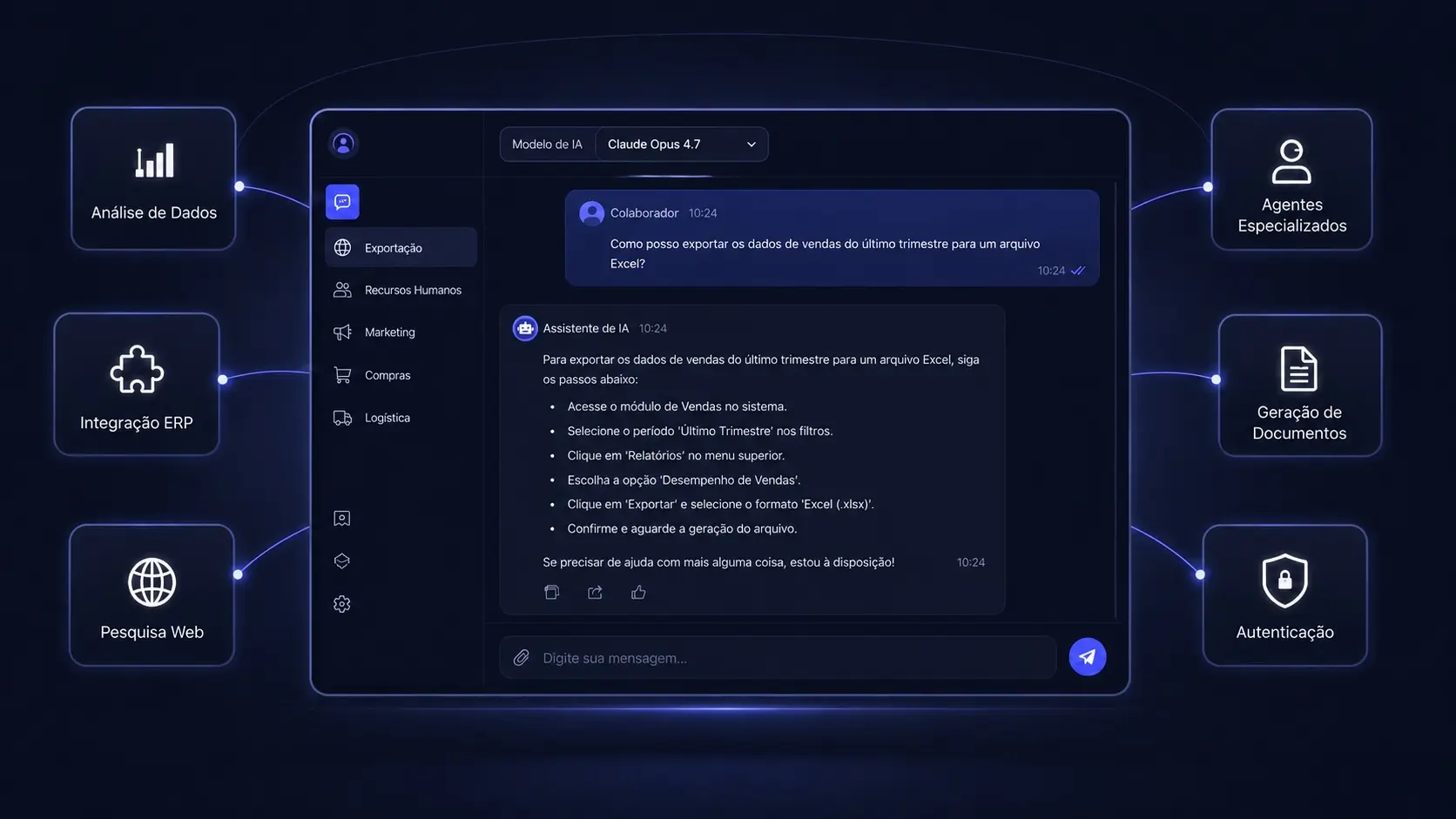
Most companies do not need another application where the team has to do its work. They need an intelligent layer that makes the information already spread across documents, email, CRM, ERP and databases usable.
That is the role of a Digital Brain: connecting artificial intelligence to the company’s real context so people can ask, decide and act with less manual search, fewer interruptions and less dependence on whoever remembers everything.
The short answer: AI has to enter the process
A generic assistant helps one person write or summarise. That can be useful, but it does not transform a business process by itself. If someone still has to find a contract, check a price in the CRM, consult a procedure and copy the answer into the ERP, the manual work is still there.
A Digital Brain connects those steps. It reads authorised sources, combines the context, answers with the origin of the information and, where the process allows, prepares an action for approval or executes it within defined rules.
The difference between experimenting with AI and integrating it into the business is what happens after the answer: does someone still do the work by hand, or does the process move forward in a controlled way?
What is a Digital Brain for business?
A Digital Brain is a private AI platform that centralises a company’s operational knowledge and makes it available through natural language. Instead of answering only with general knowledge, it works from the sources the organisation authorises: contracts, proposals, manuals, procedures, customer history, ERP data and CRM records.
It is not just a search engine. The solution combines three layers:
- Private knowledge: documents, databases and history are indexed for contextual retrieval.
- Agents by function: sales, operations, HR, leadership or support can have their own instructions, sources and boundaries.
- Governance: each user sees what they should see, answers can show their source, and relevant actions are recorded.
The result is institutional memory available when work happens, without forcing the team to know which folder, email or system contains the answer.
The problem isolated AI does not solve
A company can have access to the best language models and still work slowly. The blocker is usually somewhere else: information is scattered and the process depends on one person acting as the bridge between systems.
The signs are familiar:
- an old proposal exists, but nobody finds it in time;
- only two people know how to handle certain exceptions;
- a new hire interrupts colleagues with basic questions;
- sales makes a promise without seeing the operational history;
- the team pastes confidential information into personal tools;
- leadership receives reports but cannot verify where the numbers came from.
The cost is not limited to administrative hours. It appears as slower proposals, delayed decisions, billing errors, rework, compliance failures and opportunities that cool down before anyone responds.
How a Digital Brain manages real work
Ask for contextual information
A user can ask: “What terms did we agree with this client in the last contract, and which exceptions were approved?”. The answer should bring together the contract, relevant history and the source for each conclusion, rather than produce a plausible paragraph without evidence.
Prepare tasks for approval
For a proposal request, the system can identify requirements, find similar projects, gather the right documents and prepare a draft. The commercial decision stays with the responsible person, but starts from organised context.
Execute actions within limits
When a rule is clear and the risk is low, an agent can create a task, update a status or route an email. Changes with financial, contractual or legal impact should require approval and leave an auditable record.
Where it can be used across the company
Leadership: context before decisions
The Digital Brain can bring together information about previous projects, costs, margins, risks and decisions. Leadership no longer depends on an urgent search performed by several people before every meeting.
Sales: faster, more consistent proposals
The agent checks previous proposals, agreed terms, objections and CRM information. It can prepare replies and documents from real history without inventing prices or exceeding commercial rules.
Operations: procedures available at the right moment
Manuals, instructions and incident history become available to the people who need them. When a process has an exception, the answer comes from internal knowledge rather than a generic recommendation found online.
Human Resources: onboarding without overloading senior staff
New hires can ask about policies, tools, processes and responsibilities. Repeated questions also reveal where documentation is incomplete and needs improvement.
Support: grounded, consistent answers
The agent can consult manuals, incident history and service terms before preparing a reply. If it cannot find enough information, it routes the case instead of guessing.
Customer service: availability with control
A conversational channel can handle frequent questions using approved rules, collect required information and route exceptions. Automation reduces waiting time without removing control from the business.
Working with the systems and documents already in place
There is no need to reorganise the entire company before starting. If all information were perfectly structured, the problem would be smaller. The work is to connect sources as they exist today:
- ERP, CRM and billing software, including on-premise systems;
- shared folders, SharePoint, Google Drive and network documents;
- email, Microsoft 365 and Google Workspace;
- internal databases and exports from systems without a usable API;
- internal chat and the channels where the team already asks for help.
The Digital Brain can begin with reading and retrieval. As rules become validated, it can prepare and execute specific actions. This staged growth reduces risk and makes the return measurable.
Privacy and governance are not technical details
A decision-maker should be able to answer four questions before approving an integration:
- Who can access each type of information?
- Where did the answer come from?
- Which actions can run without approval?
- Who can review what was accessed or changed?
The architecture should therefore include suitable hosting, role separation, cited sources, usage logging and the exclusion of sensitive documents where needed. Infrastructure can remain in the European Union and be configured so company information is not used to train public models.
The return: measuring the cost of inaction
The business case should not be “we want to use AI”. It should be more concrete: “this process takes 40 hours a week, takes two days to answer and creates errors that cost money”.
Before implementation, measure:
- hours spent searching for information and copying data;
- time from an incoming request to a response;
- tasks returned because of missing context;
- time for new hires to become autonomous;
- errors, rework and the cost of poor quality;
- margin or revenue lost through commercial delays.
When a process is repetitive and high-volume, small improvements accumulate every month. If a team stops searching for information for hours, responds faster and reduces rework, the Digital Brain becomes operational infrastructure, not a technology demonstration.
How to implement it without automating everything
1. Diagnosis
Map where knowledge lives, who depends on whom and which questions keep repeating. The goal is to choose a first use case with clear value and accessible data.
2. Source and permission design
Define what comes in, what stays out, who can access each source and which actions require approval. Scope, timeline and investment become clear.
3. First department
Put the solution into production with real users and real questions. Quality is measured by usefulness in the work, source accuracy and time actually saved.
4. Controlled expansion
Once the first process is validated, add other areas, sources and agents. This is when it makes sense to connect the Digital Brain to more advanced execution flows.
What to decide before moving forward
Do not start by choosing a model or an interface. Start by answering:
- Which process consumes the most time without creating value?
- What information is needed to perform it?
- Where is that information and who is allowed to see it?
- What can be retrieved, prepared or executed?
- Which metric will prove the investment worked?
The Digital Brain for business was designed to answer these questions with an architecture that grows with the operation. If you already know which process needs improving, you can request a free diagnosis. We assess your context without commitment and return a proposal with scope, timeline and investment defined.